1
Private student enrollment
Start your CATIA V5 simulation training in a few minutes.
Create your account, verify your email, purchase the class, then download the XDT CADSimulator player to your Windows PC. It may seem like a lot of steps, but it is pretty quick.
Before you begin
This page is for private students. If you want to enroll through a partner college, click here.
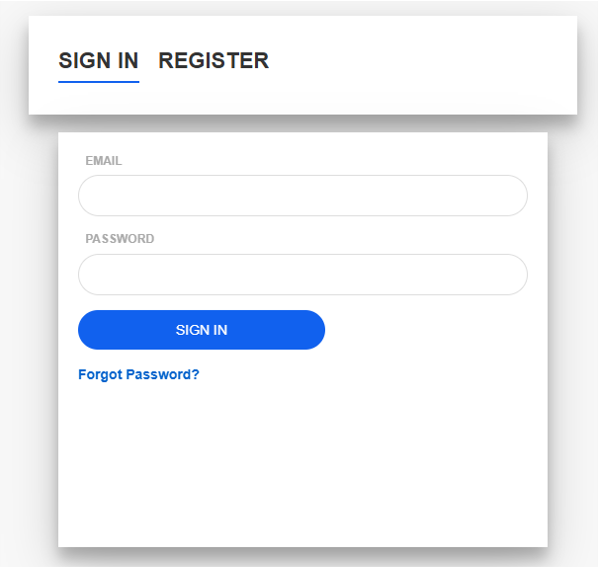
2
Verify your email
Wait for an email from support@3dxtrain.com. Check your spam folder, then click the email verification link.
3
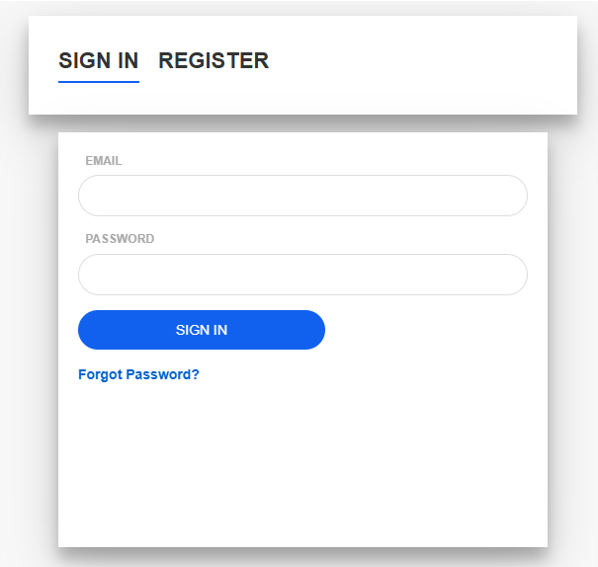
4
Open first-time access
If it is your first time here, click the "Click here" text.
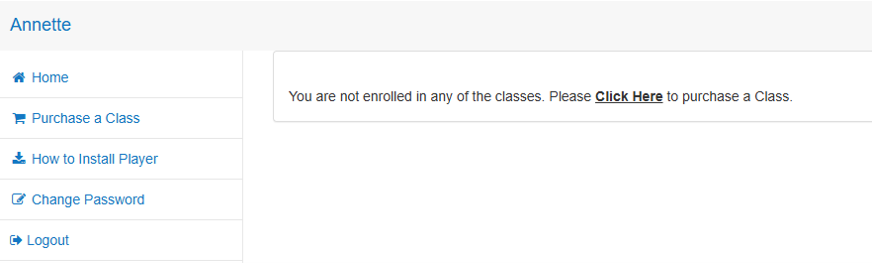
5
Choose your class
Click the "Buy Now" button on the class you want.

6
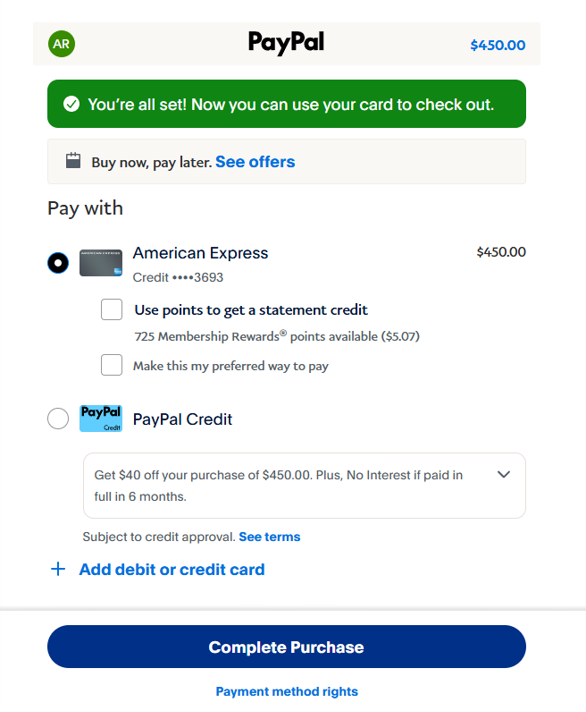
Pay securely
You will be directed to PayPal. Enter your credit card information.

7
Complete the purchase
Click the "Complete the Purchase" button.
8
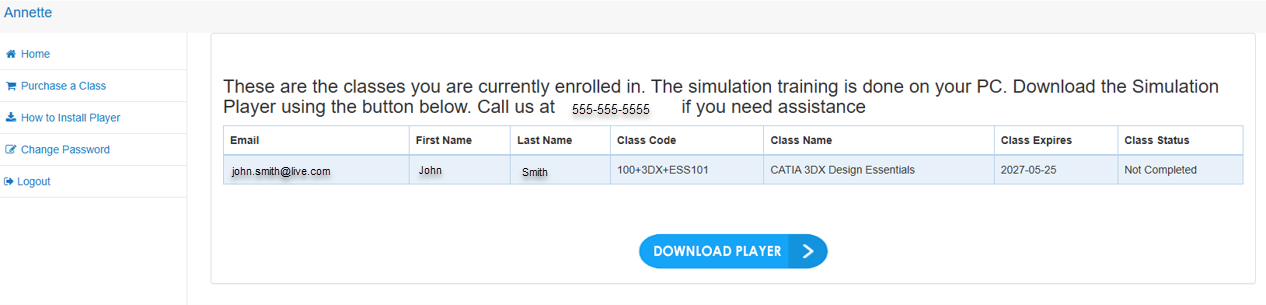
Download the player
After you are redirected back to our website, click the "Download Player" button to download the software to your PC.
9
Open the simulator
Once installed, double-click the "XDT CADSimulator" shortcut on your desktop.
10
Enter your account
Enter the email and password you used to register, then close the application.

11
Select the course
Double-click the "XDT CADSimulator" shortcut again and select the course.
12
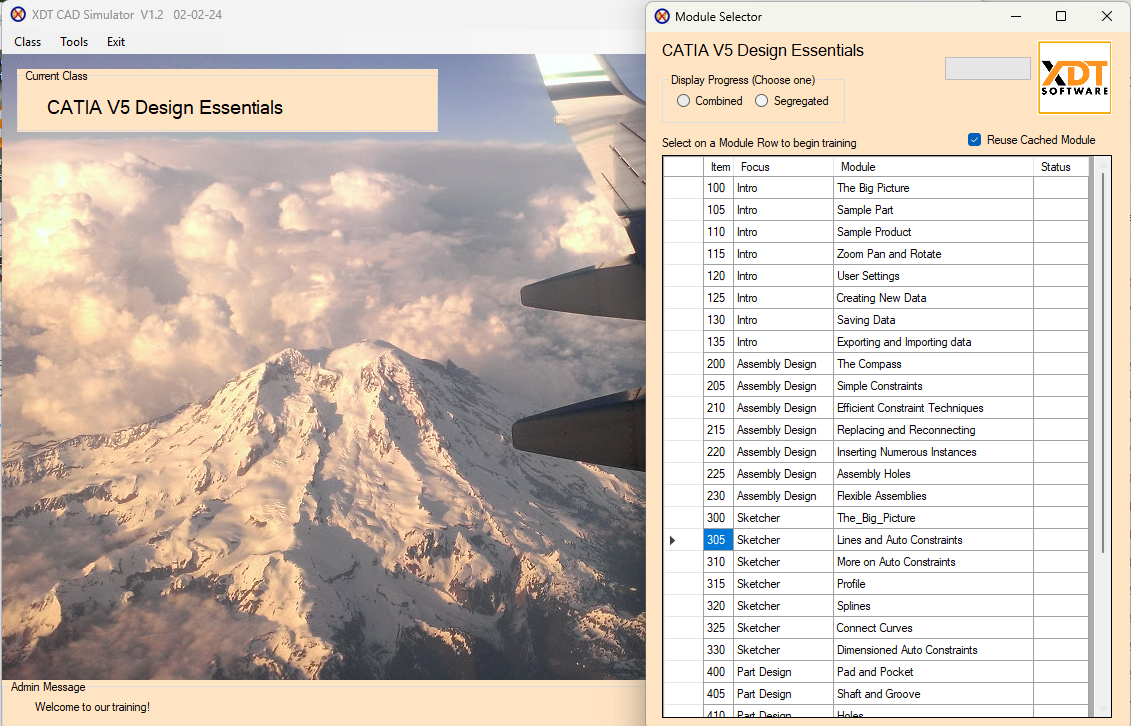
Start training
You are all set to go. Clicking on a module will open the class.